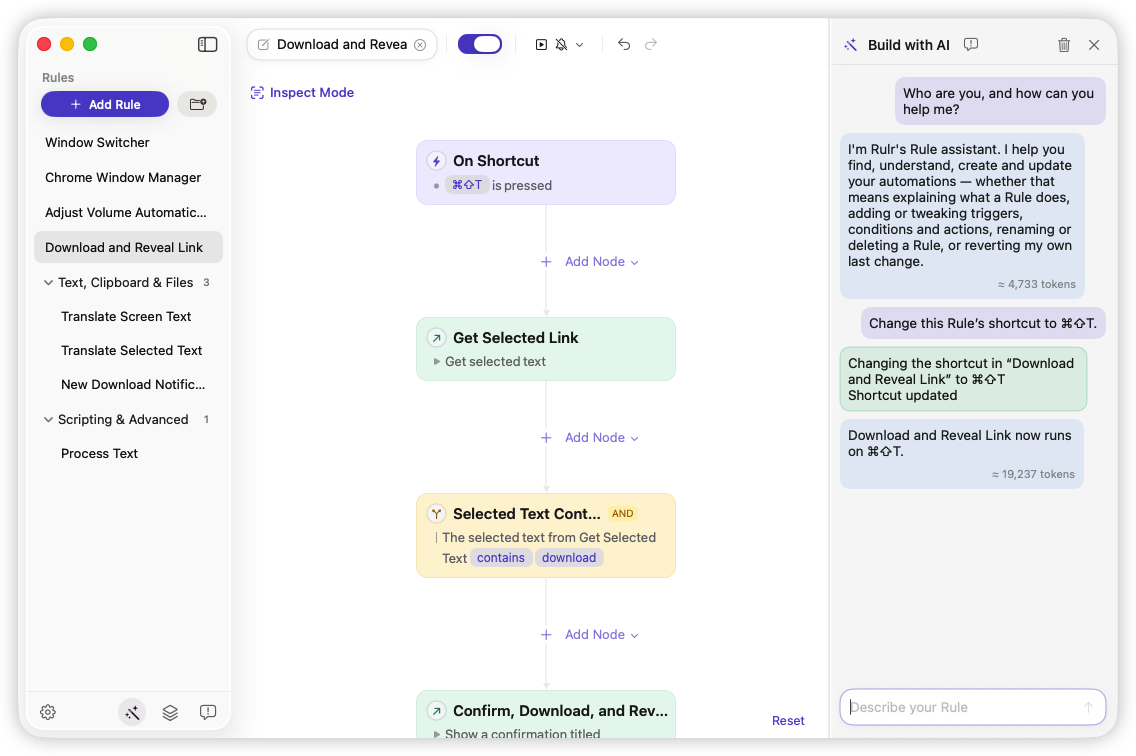
WHEN · Trigger
Watches for what happens on your Mac, whether you press a hotkey, open an app, change a file, or reach a scheduled time.

Set it once. Let it run.
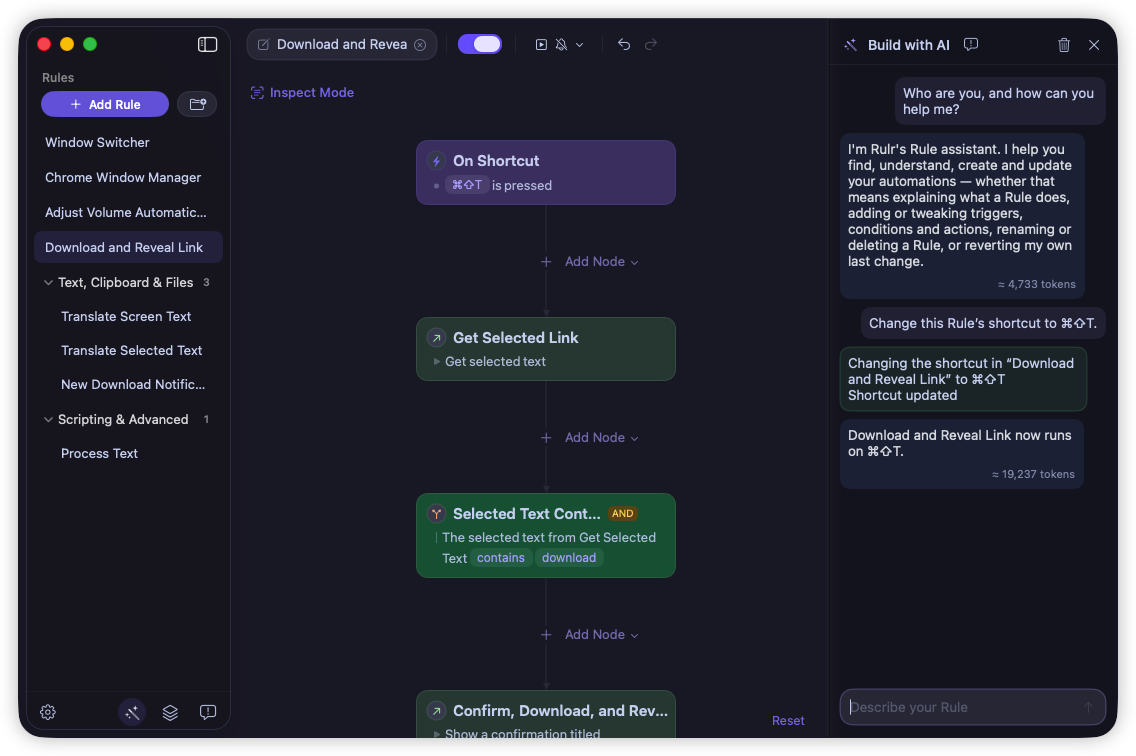
Build visual When If Do rules that automatically react to events, check conditions as needed, and perform specific actions. Describe what you want and build with AI.
macOS 26+ · Free to use · Pro $35.90 one-time
Rulr gives you the flexibility to shape how your Mac behaves, with Rules that understand what’s happening and know what to do about it. Build and manage your Rules simply by chatting with AI.
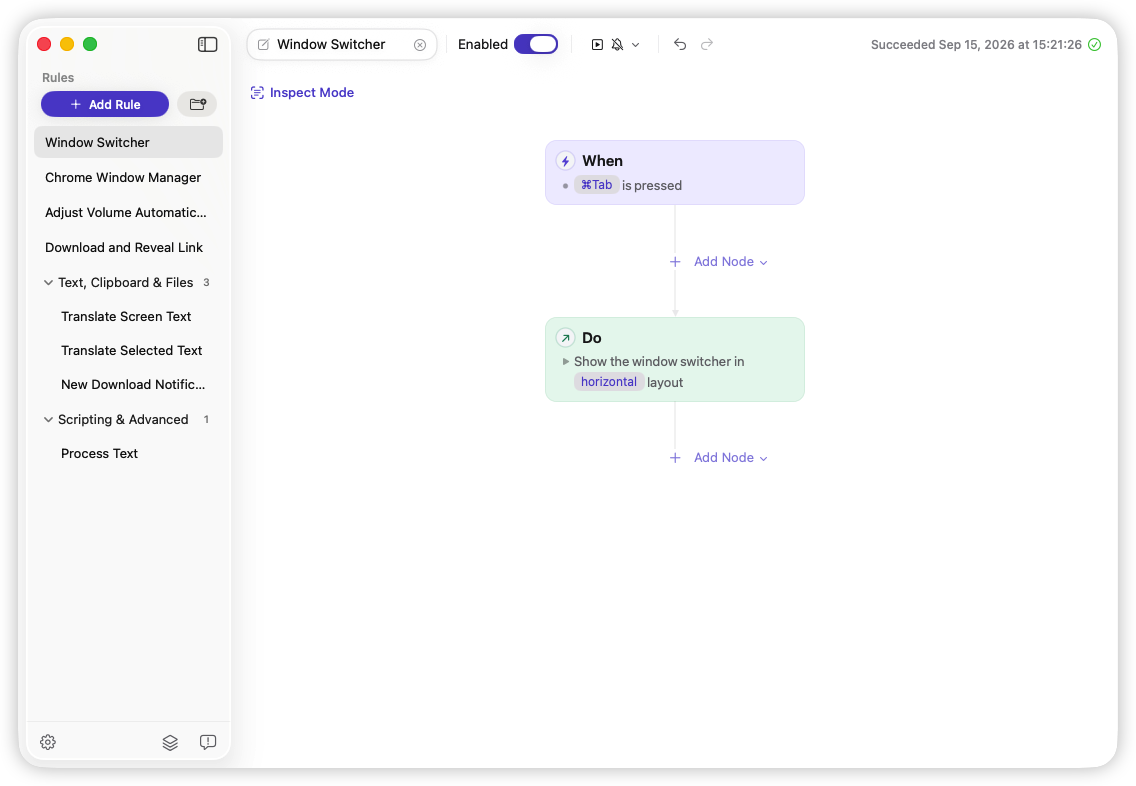
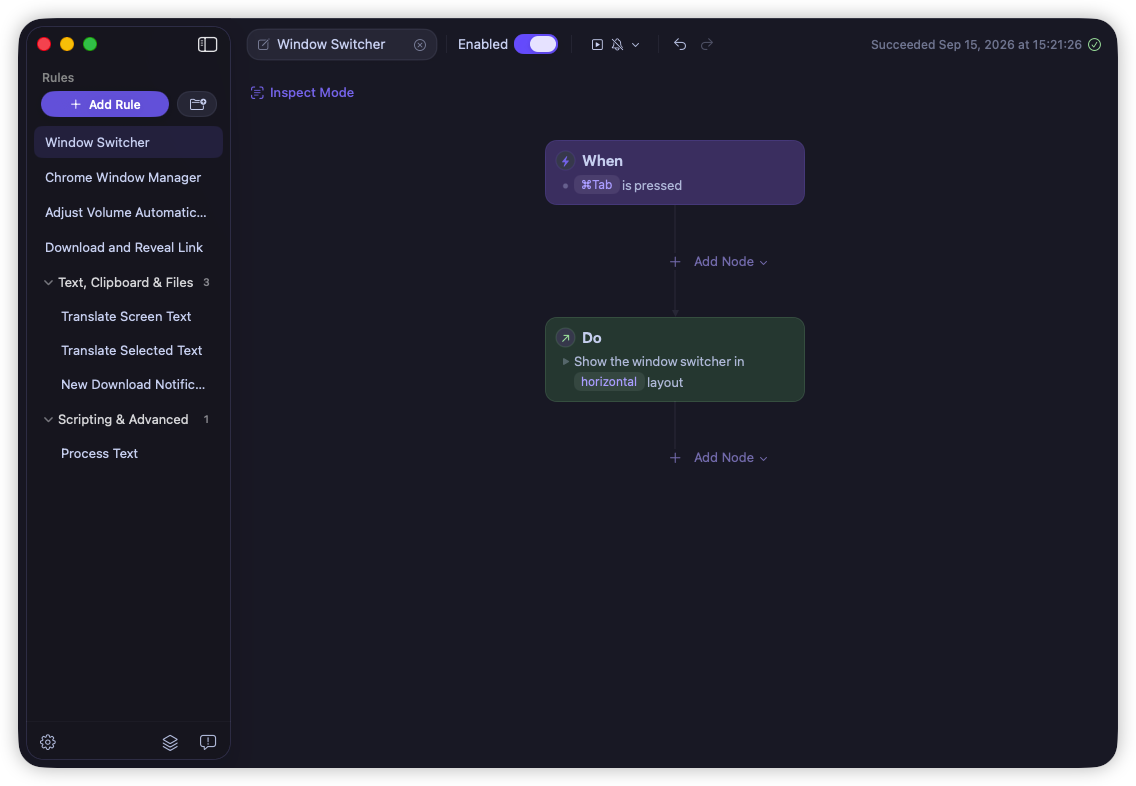
Watches for what happens on your Mac, whether you press a hotkey, open an app, change a file, or reach a scheduled time.
Checks the current state of your Mac or the context of each run with AND/OR logic before deciding what happens next.
Acts on your Mac—move windows, handle files, work with text, run scripts, and more.
Automate windows, text, files, browsers, audio devices, and workspaces with ready-to-use Rules you can customize.
Switch between open Mac windows with a visual picker.
Switch your Mac to Dark appearance with a keyboard shortcut.
Capture, recognize, and translate text anywhere on your Mac screen.
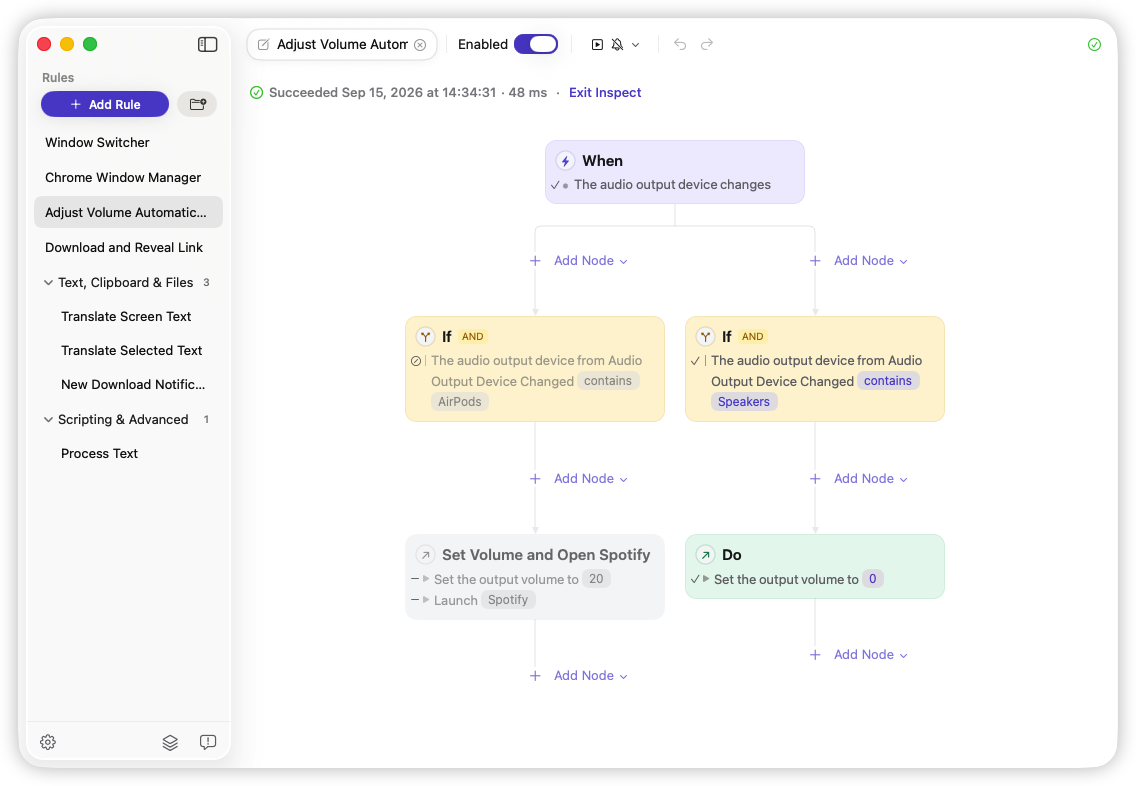
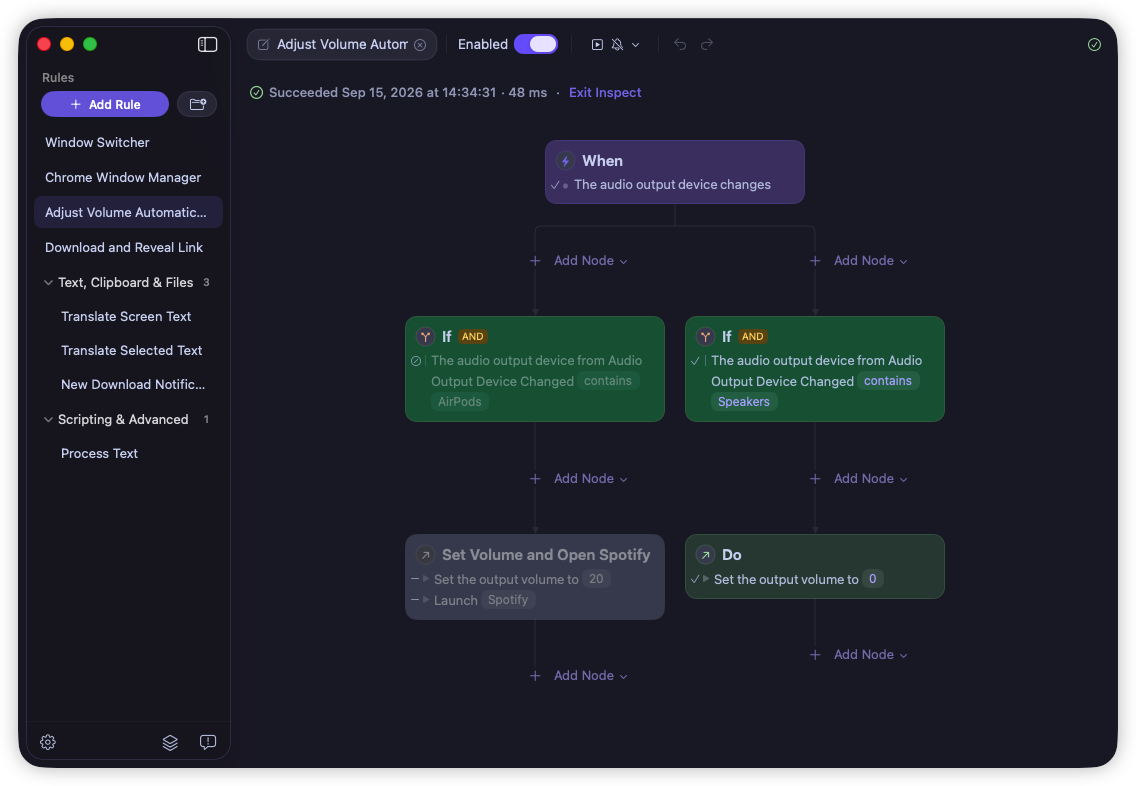
Set volume by audio device and open your music app when needed.
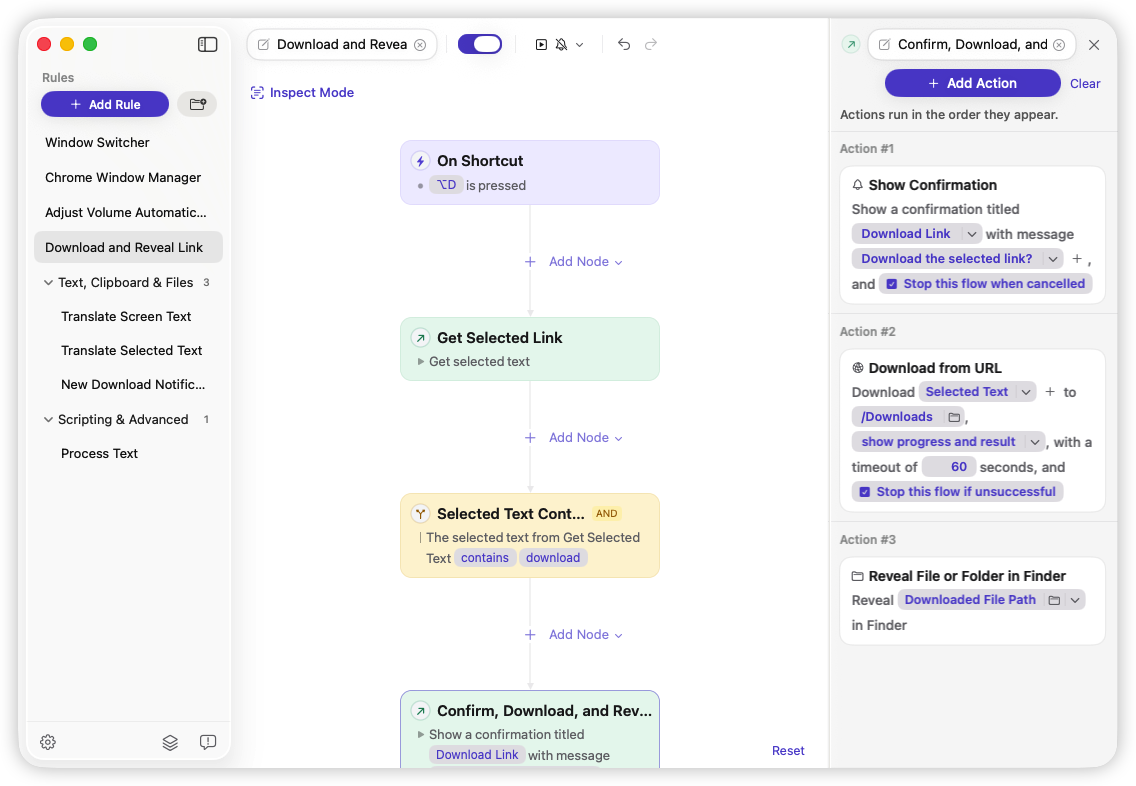
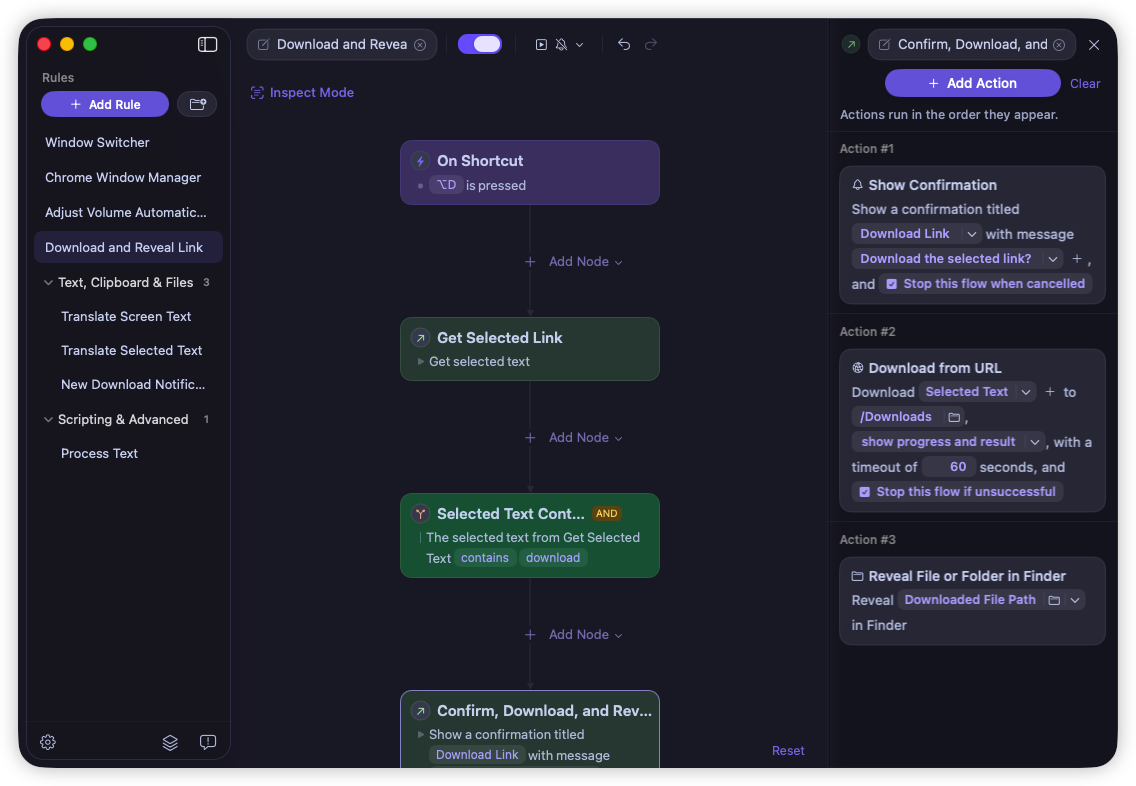
Download a selected link and reveal the saved file in Finder.
Open the right work apps automatically for each work session.
Recognize and copy text from anywhere on your Mac screen.
Mute audio and close private apps automatically when your Mac is idle.
Clean up entered text and copy it for pasting anywhere.
Extract text from new images added to a watched folder.
Search and switch between open Chrome windows and tabs.
Open the right Chrome research workspace for each work session.
Translate selected text on your Mac and show the result.
Process entered text with AppleScript and show the result.
Switch between open Mac windows with a visual picker.
Switch your Mac to Dark appearance with a keyboard shortcut.
Capture, recognize, and translate text anywhere on your Mac screen.
Set volume by audio device and open your music app when needed.
Download a selected link and reveal the saved file in Finder.
Open the right work apps automatically for each work session.
Recognize and copy text from anywhere on your Mac screen.
Mute audio and close private apps automatically when your Mac is idle.
Clean up entered text and copy it for pasting anywhere.
Extract text from new images added to a watched folder.
Search and switch between open Chrome windows and tabs.
Open the right Chrome research workspace for each work session.
Translate selected text on your Mac and show the result.
Process entered text with AppleScript and show the result.
Unlock more Mac automation triggers, actions, browser integrations, and scripting with a one-time purchase. No subscription or account required.
Start Rules from precise changes across windows, app content, files, displays, and scripts.
Arrange windows, transform text, process files and images, simulate input, control other Rules, and more.
Use tab data and JavaScript in Chrome and Safari, connect Shell scripts, and extend workflows across tools.
Get new capabilities and improvements as Rulr grows.
Need more details or have a question? Email support@rulr.app and we’ll help.
No. Most Rulr Rules are built visually by combining Triggers, Conditions, and Actions. Optional advanced Actions can run AppleScript, Shell scripts, browser JavaScript, and Apple Shortcuts when you need more control.
Yes. Rulr Free supports unlimited Rules and includes everything you need to build everyday automations. Rulr Pro unlocks advanced Triggers, Actions, and integrations with a one-time purchase.
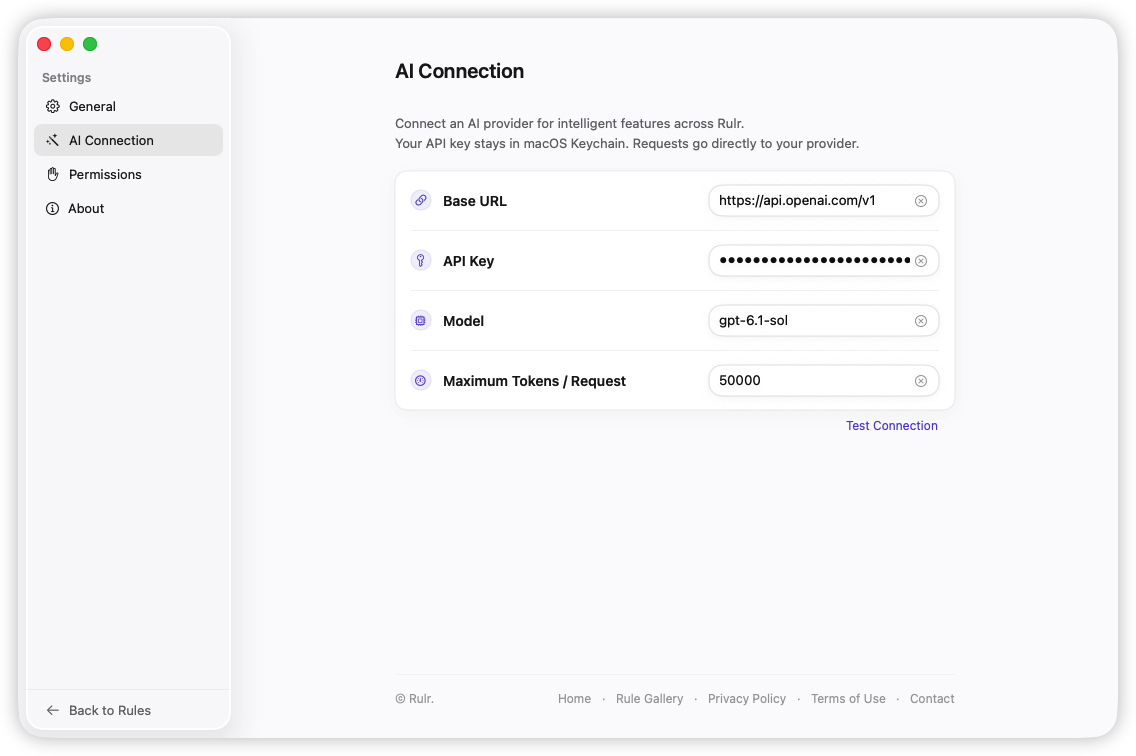
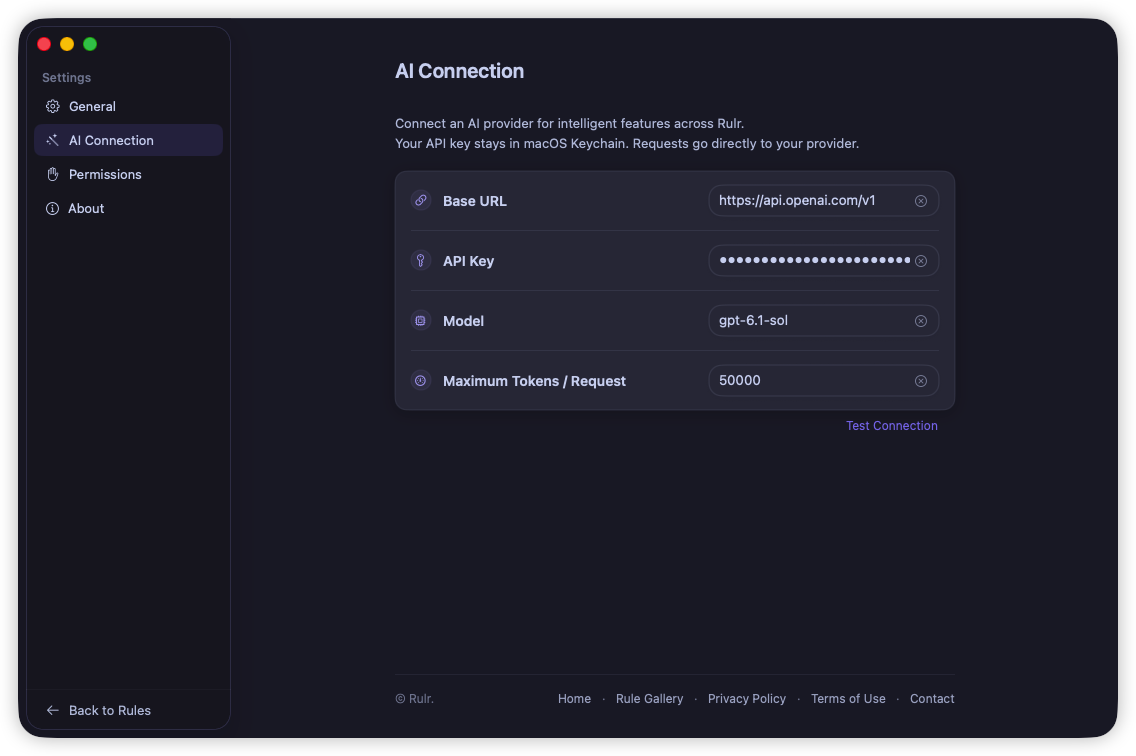
Rulr’s AI chat is free to use, with no Pro purchase required. Just add an API key from your AI provider to connect it. Your provider may charge for AI usage.
Yes. Rulr runs locally on your Mac and does not require an account. Most Rules work without an internet connection. A Rule only needs internet access when you configure it to use an online service, website, download, or connected app.
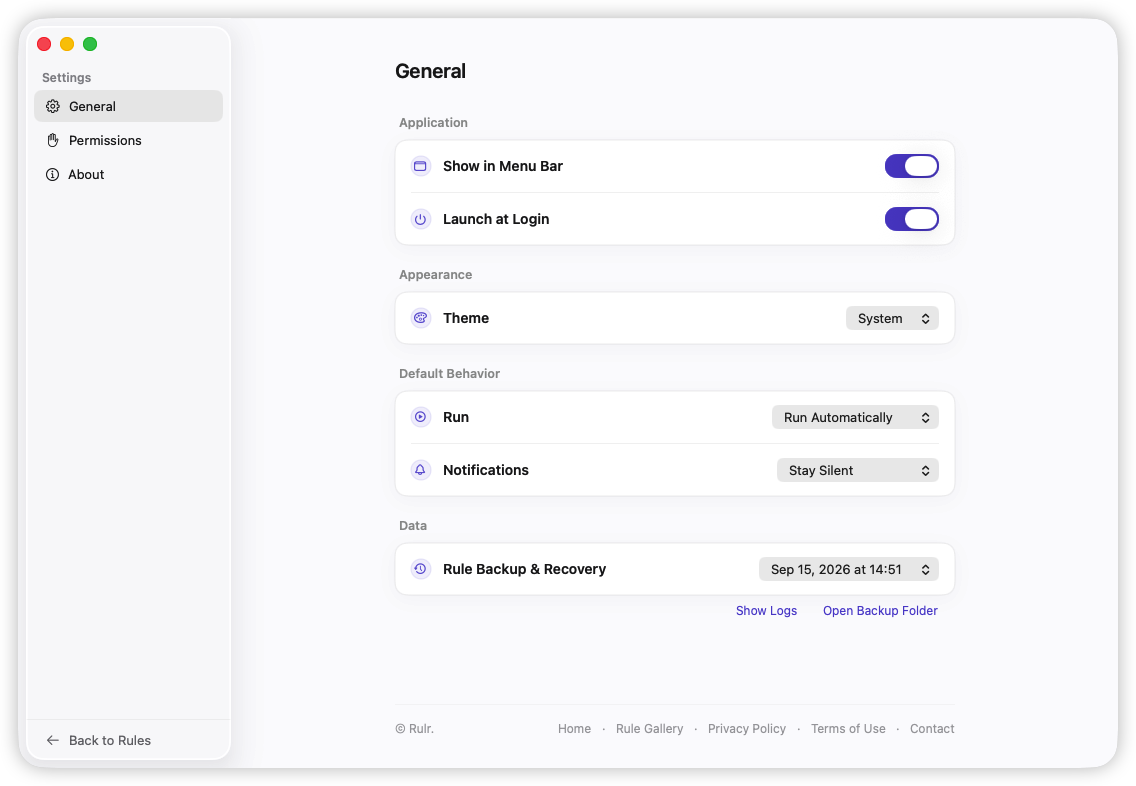
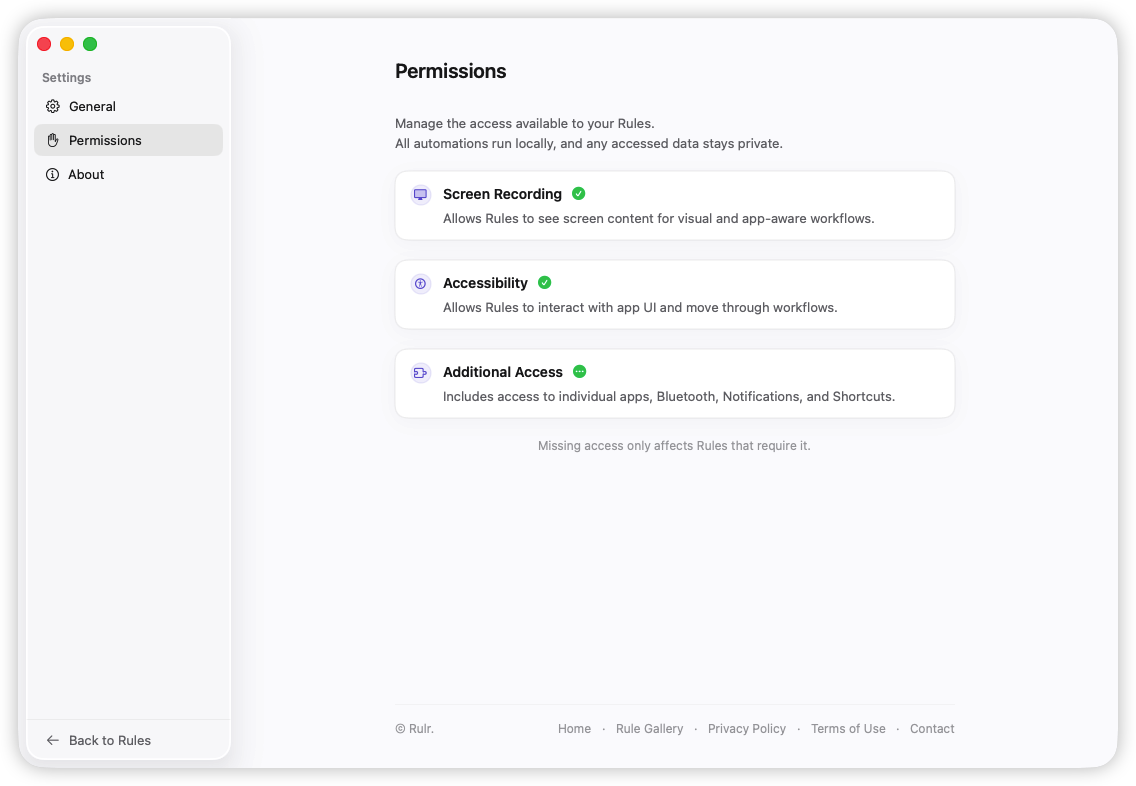
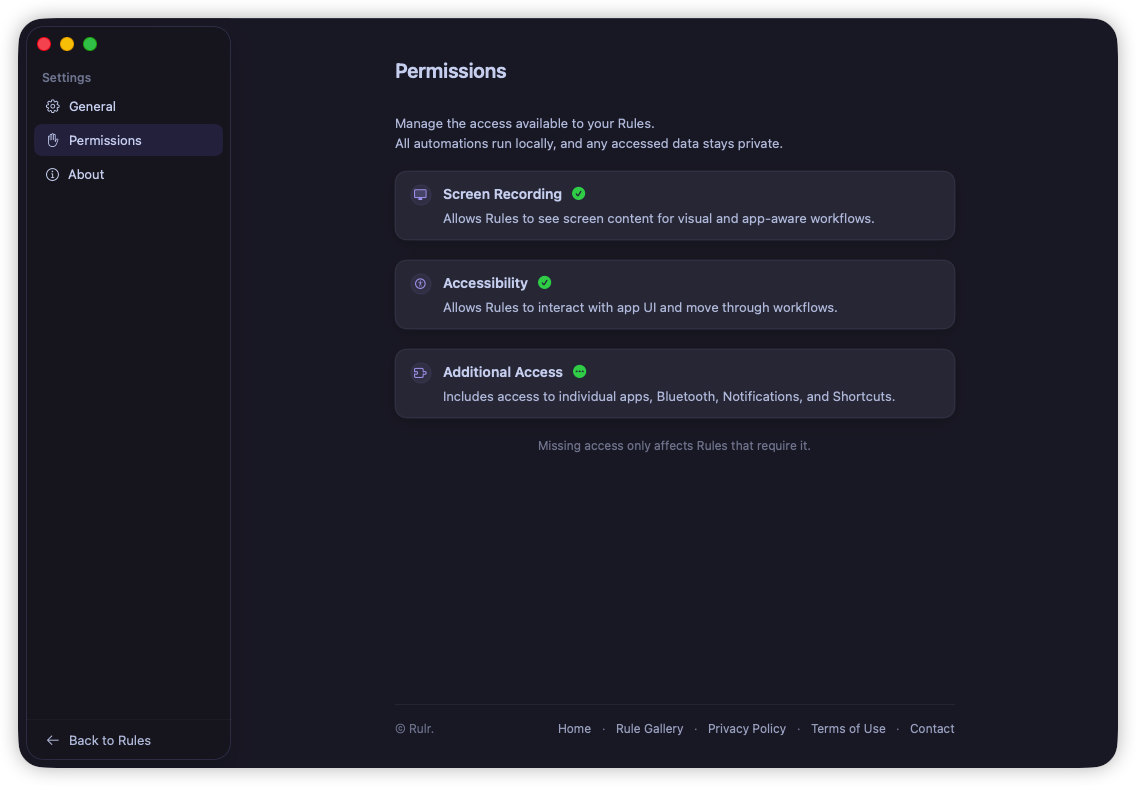
Some Triggers and Actions need permissions such as Accessibility, Screen Recording, Automation, or access to files and folders. Rulr requests them only when needed for the features you use.
Rulr supports macOS 26 and later.
You can request a full refund within 30 days of purchase. After 30 days, purchases are generally no longer eligible for voluntary refunds, except where required by applicable law.
Rulr is built and maintained by a solo indie developer. I’m continuously improving it and always listening to feedback.
Practical guides, ideas, and workflows to help you automate everyday tasks on your Mac.
Describe a task and use Rulr AI Builder to turn it into a visual Mac automation. Follow one Rule from creation and review to refinement and testing.
Compare Rulr and Keyboard Maestro by workflow, system requirements, and cost. See when visual Rules fit your Mac automation and try a free example.
Automate your Mac with visual Rules for files, apps, text, and more. Describe what you want to build with AI, or explore practical automation examples.

When If Do